Perspective as a Puzzle Tool
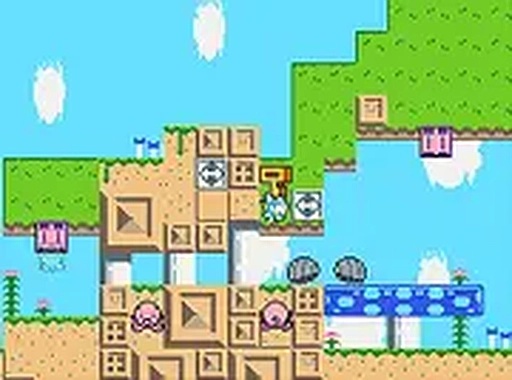
The defining feature of this game is how you change the camera angle to solve problems. Special switches placed throughout each area let you toggle between a side-on platform view and a bird's-eye exploration view. Each perspective reveals different information about the environment. In the side view, you can see gaps, ledges, and obstacles that require precise timing to cross. From above, you get a broader look at the layout, spotting hidden alcoves and items that are invisible from the side. Deciding when to switch is the core of every puzzle.
Level Design and Exploration
Each stage is built around the idea of using both views to make progress. You might need to use the overhead view to find a hidden switch, then switch to the side view to reach a new platform that the switch unlocked. The game encourages careful exploration. There is no timer or pressure, so you can take your time to examine every corner. The paths are not always obvious, rewarding players who try different perspectives. The final goal in each area is to locate a special plant, but the route there is never a straight line.
Visual Style and Atmosphere
The graphics use bright, cheerful colors with a soft, friendly look. The bunny character is cute and easy to control. Backgrounds feature flowers, trees, and gentle landscapes that create a relaxing mood. The game does not include any scary or intense imagery. This makes it suitable for young players or anyone looking for a calm, focused activity. The visual clarity also helps when switching views, as important objects are clearly marked so you never feel lost.
Controls and Accessibility
Playing on a desktop computer with a keyboard is the intended way to experience the game. Arrow keys or WASD move the bunny, and a single button activates the view switches. The controls are simple enough for new players to learn quickly. A full-screen mode is available to help you concentrate on the puzzles without distractions. Because the game is free and runs in a browser, there is no need to download anything. This makes it easy to start playing right away.
Compatibility
✅ This game supports:
- Desktop browsers (Chrome, Edge, Safari)
- Mobile browsers (Chrome on Android, Safari on iOS)
❌ Does NOT support: - Internet Explorer - Very old browser versions
👉 Try refreshing or updating your browser






Comments
0 comments